Telemarketing
Call campaigns & dialer
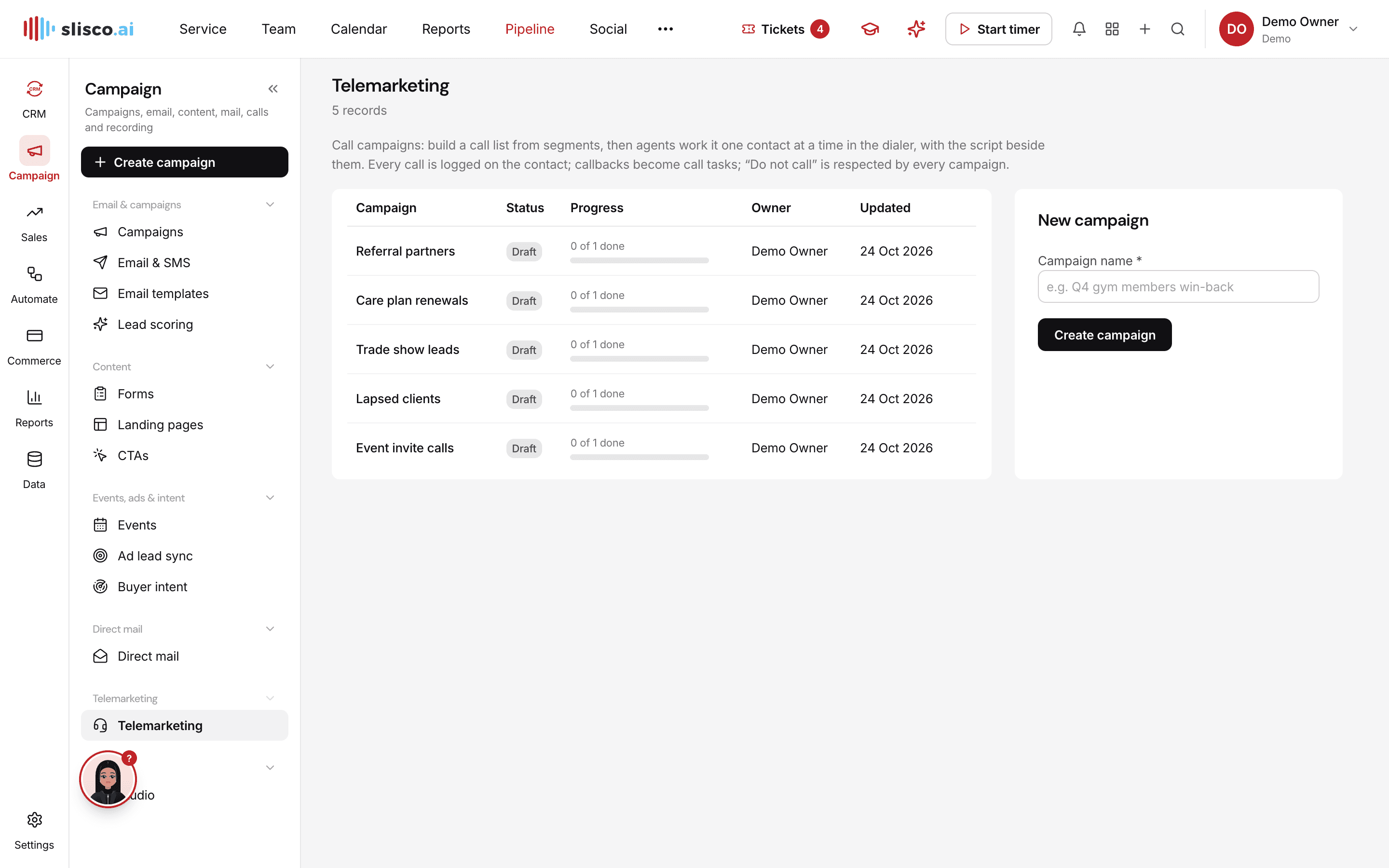
Build call lists from your segments and work them one contact at a time, with the script on screen.
Why teams use it
Call campaigns & dialer, done properly.
Part of one shared workspace, so Telemarketing data is already connected to your clients, projects and invoices.
Call lists from segments
Include and exclude segments to build exactly the list you want to call.
Focused dialer
One person at a time, with the script, recent activity, outcome and notes, then Save & next.
Smart outcomes
No answer and voicemail retry automatically, callbacks become tasks and do-not-call is respected everywhere.
Calling hours and agents
Calls stay inside the contact's local calling window, with stats for every agent.
Inside Telemarketing
Every page in the Telemarketing menu.
What you'll find in the side menu and tabs, and what each one does.
Connected by default
Works hand in hand with
Sales engagement
Find and work leads, run outreach sequences, book meetings and forecast what will close.
- Lead pipeline
- Sequences
Phone
Call from the browser, with call logs, recordings and transcripts attached to the right contact.
- Browser softphone
- Every call logged
Email & automation
Send email and SMS campaigns to segments, score leads and let workflows do the follow-up.
- Email and SMS campaigns
- Segments