All modules · Communication & Marketing
Studio
Podcast & video recording
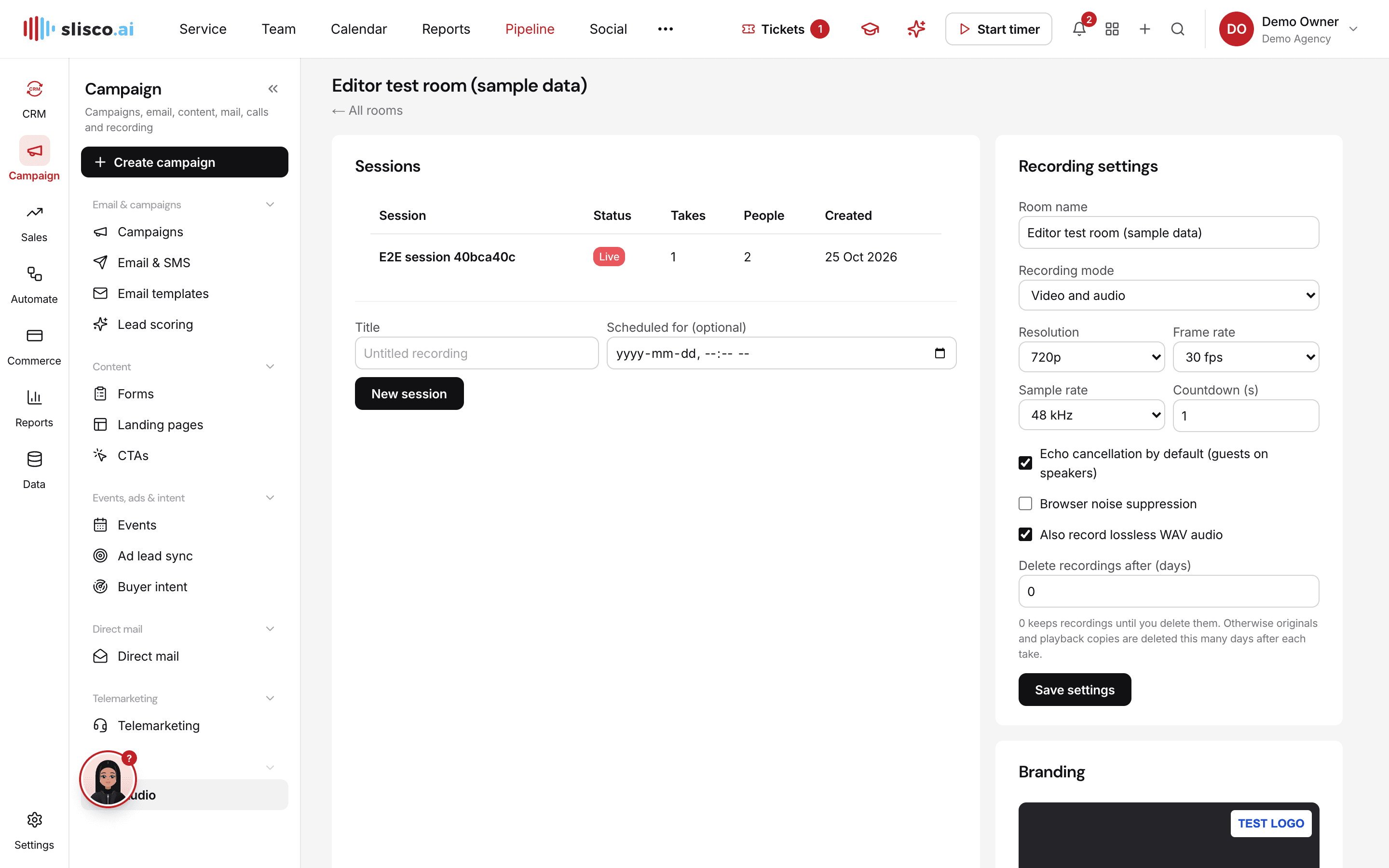
Record interviews and podcasts in studio quality, with everyone recorded on their own device, then edit by editing the transcript.
Why teams use it
Podcast & video recording, done properly.
Part of one shared workspace, so Studio data is already connected to your clients, projects and invoices.
01
Local-first recording
Each person is recorded on their own device and uploaded in the background, so a shaky connection doesn't ruin the take.
02
Automatic transcripts
A transcript for every speaker, ready as soon as the session ends.
03
Edit the text, edit the video
Delete words to cut them from every track, and remove filler words in one click.
04
Branded exports
Your logo, colour, lower-thirds and a title card on every exported MP4.
Inside Studio
Every page in the Studio menu.
What you'll find in the side menu and tabs, and what each one does.
Connected by default