Invoices
Client billing & payments
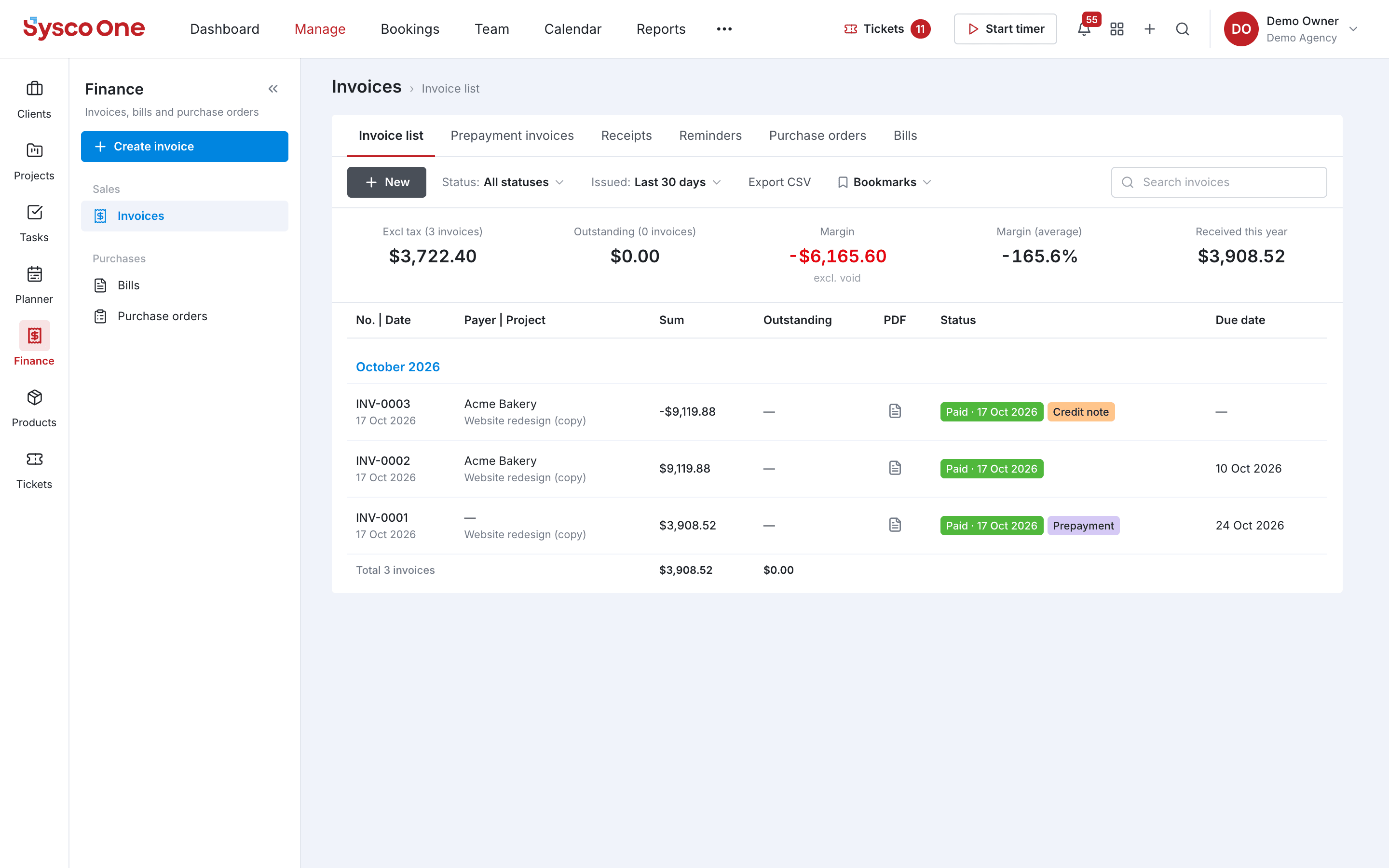
Invoice from tracked time and quotes, send reminders and take payments online.
Why teams use it
Client billing & payments, done properly.
Part of one shared workspace, so Invoices data is already connected to your clients, projects and invoices.
Every invoice type
Invoices, prepayment invoices, credit notes and receipts.
Reminders
Payment reminders go out for overdue invoices.
Online payments
Clients pay by card through payment links on the invoice.
Bills and purchase orders
Track supplier bills and purchase orders next to client billing.
Inside Invoices
Every page in the Invoices menu.
What you'll find in the side menu and tabs, and what each one does.
Connected by default
Works hand in hand with
Time
Start a timer from anywhere, log hours against tasks and see billable vs. non-billable time.
- Weekly timesheet
- Billable and non-billable
Quotes
Build quotes from your product list and turn an accepted quote into a project in one click.
- Built from your catalogue
- Margin on every quote
Reports
Revenue, utilisation and project profitability on dashboards the whole team can read.
- Report library
- This year vs. last