Projects
Project management
Phases, budgets, milestones and the whole team's activity on one project page.
Why teams use it
Project management, done properly.
Part of one shared workspace, so Projects data is already connected to your clients, projects and invoices.
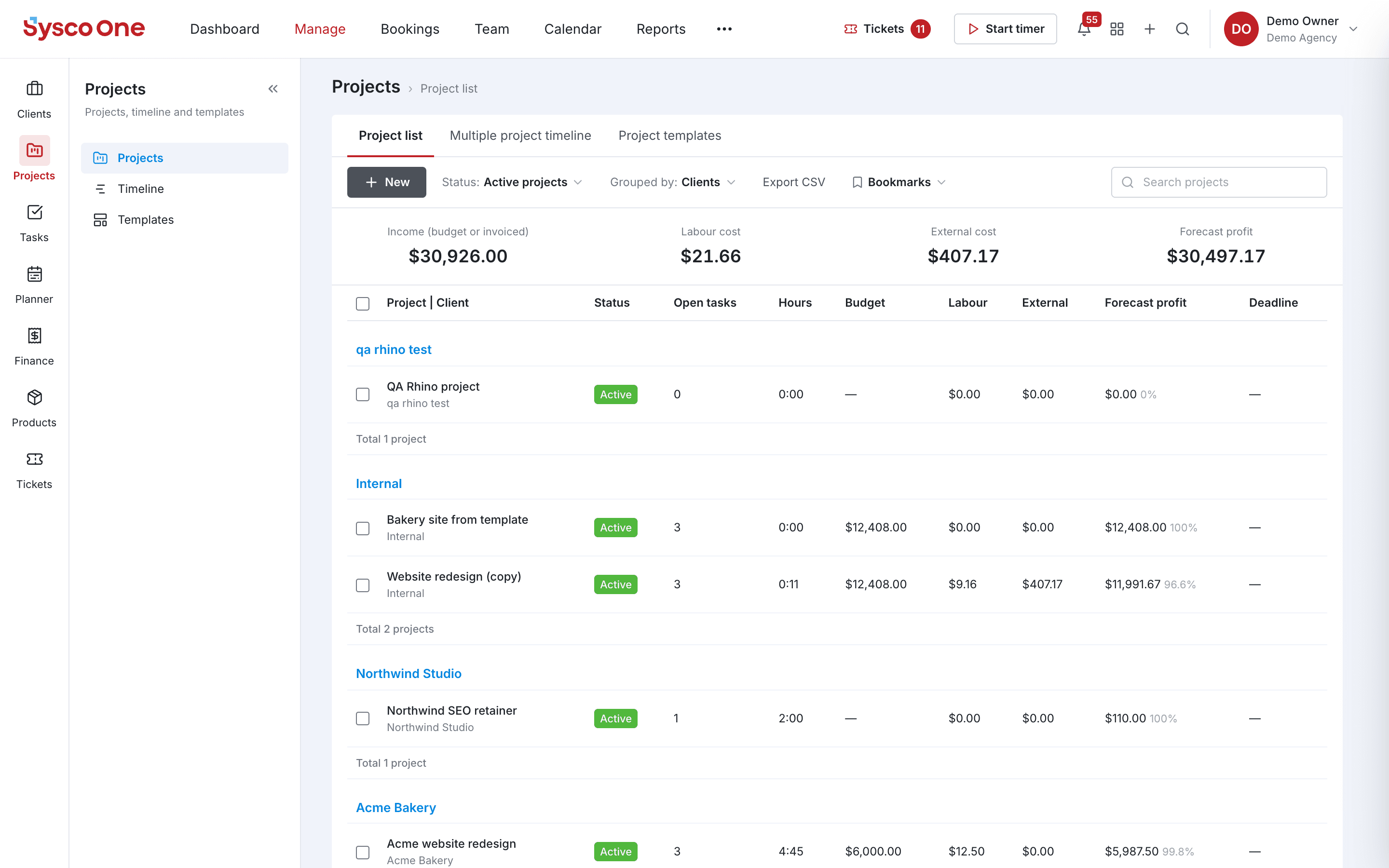
Budget vs. actual
Income, labour cost, external cost and forecast profit for every project, side by side.
Timeline
See every project on one timeline to spot overlaps and crunch weeks early.
Project templates
Start new work from a template with its tasks and structure already in place.
Grouped by client
The project list groups work by client, with open tasks and hours at a glance.
Inside Projects
Every page in the Projects menu.
What you'll find in the side menu and tabs, and what each one does.
Connected by default
Works hand in hand with
Tasks
Assign work, set due dates and follow every task from to-do to done, in lists or on the board.
- List and board views
- Priorities and owners
Time
Start a timer from anywhere, log hours against tasks and see billable vs. non-billable time.
- Weekly timesheet
- Billable and non-billable
Invoices
Invoice from tracked time and quotes, send reminders and take payments online.
- Every invoice type
- Reminders