Help desk
Tickets, knowledge base & portal
Answer clients from one shared queue, publish a help centre and give clients a portal for their tickets.
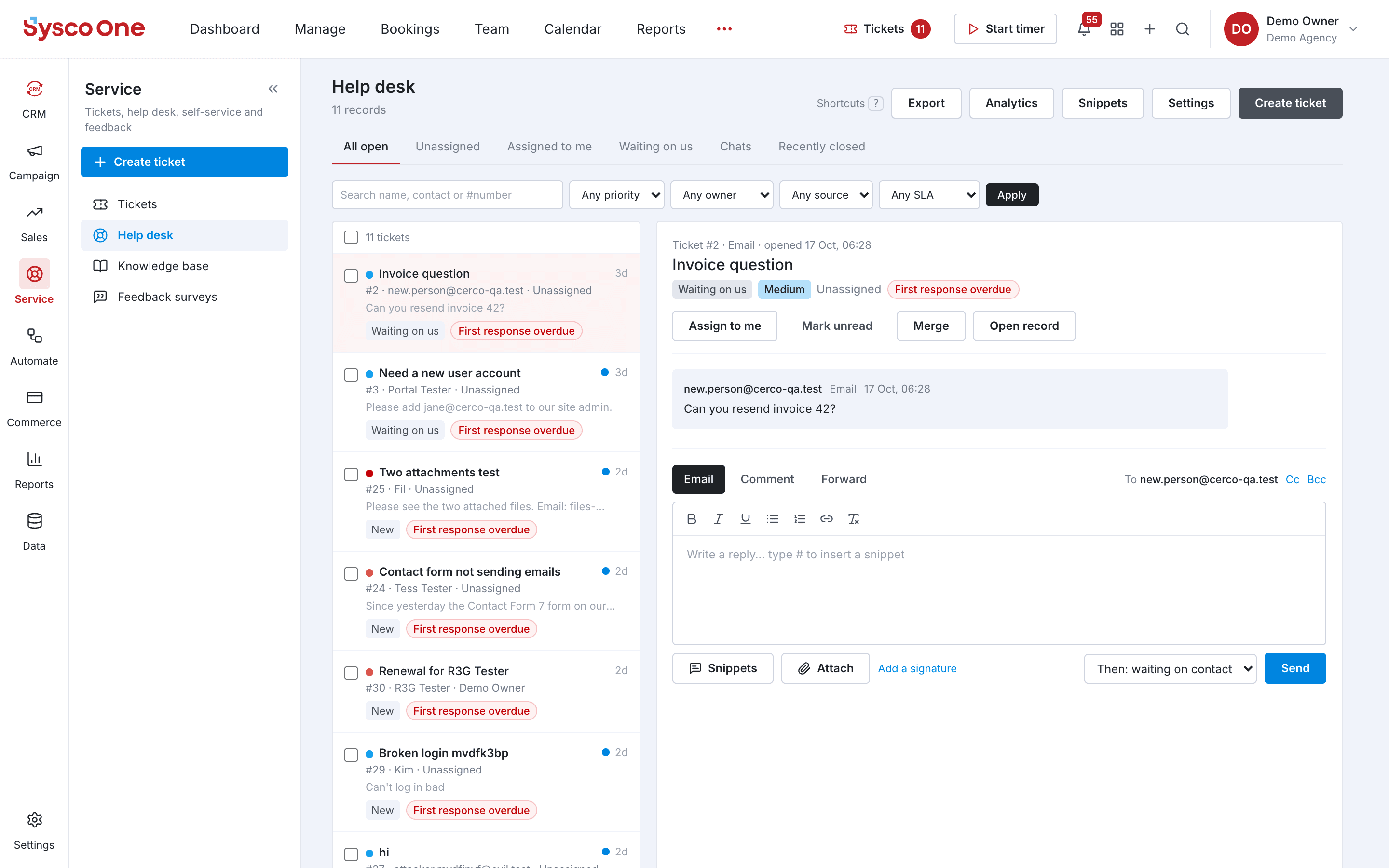
Why teams use it
Tickets, knowledge base & portal, done properly.
Part of one shared workspace, so Help desk data is already connected to your clients, projects and invoices.
One shared queue
Every ticket in one help desk, sorted by SLA, with snippets and ticket merge.
Knowledge base
Publish articles on a public help site and see what clients searched for and could not find.
Support portal
Clients sign in with an email link to open tickets and follow replies.
Feedback surveys
Ask NPS, CSAT or CES questions automatically when a ticket closes.
Inside Help desk
Every page in the Help desk menu.
What you'll find in the side menu and tabs, and what each one does.
Connected by default
Works hand in hand with
CRM
A pipeline for every deal, with contacts, companies and the full email history in one place.
- Pipelines and stages
- Board or table
Phone
Call from the browser, with call logs, recordings and transcripts attached to the right contact.
- Browser softphone
- Every call logged
Email & automation
Send email and SMS campaigns to segments, score leads and let workflows do the follow-up.
- Email and SMS campaigns
- Segments