All modules · Work
Equipment
Equipment & asset booking
Check gear in and out, book kits for shoots and know where every asset is.
Why teams use it
Equipment & asset booking, done properly.
Part of one shared workspace, so Equipment data is already connected to your clients, projects and invoices.
01
Check-out and reservations
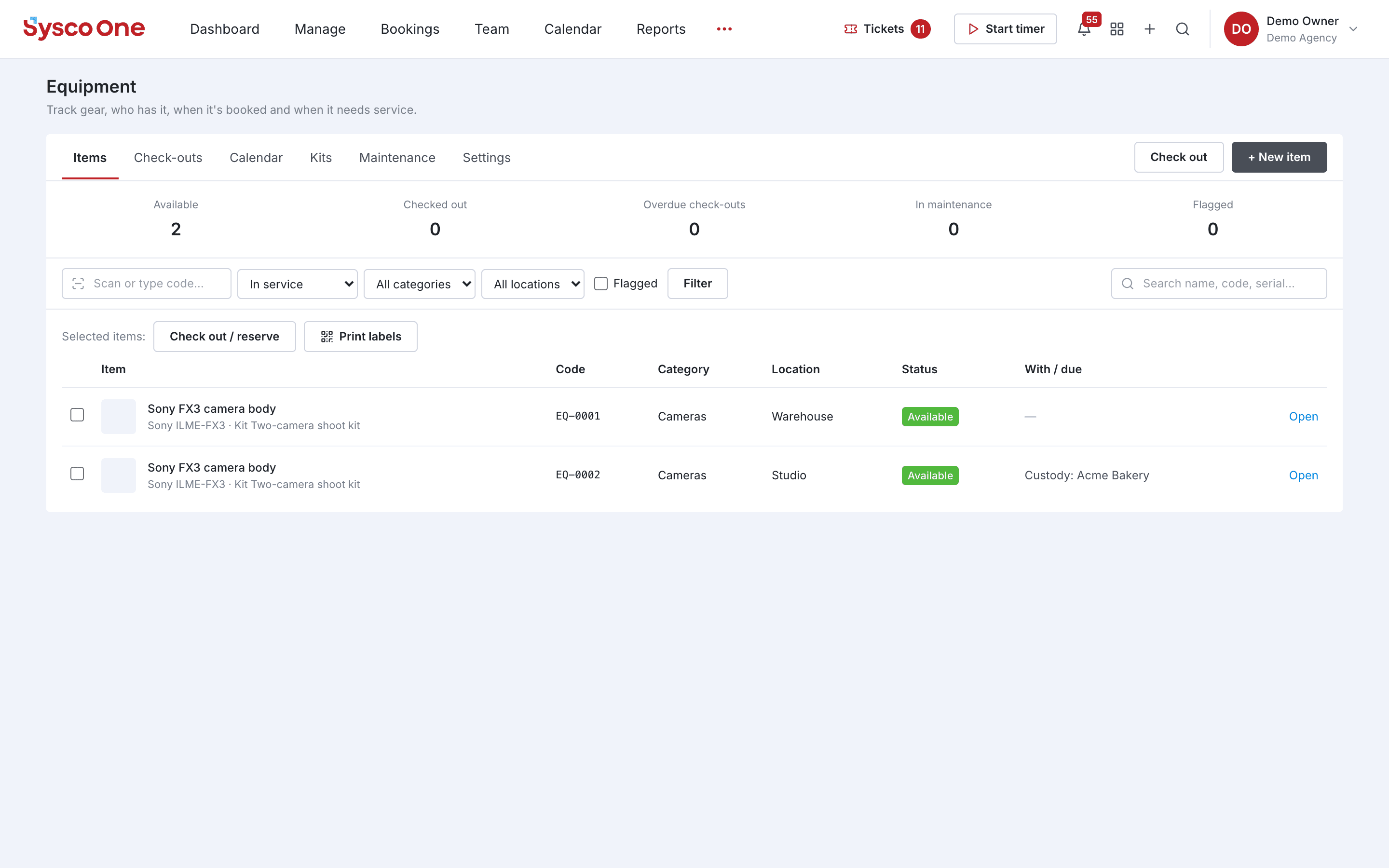
See what is available, checked out, overdue or in maintenance.
02
Kits
Bundle items into kits and book the whole set at once.
03
Scan and print labels
Print QR labels and scan an item to find or check it out.
04
Maintenance and custody
Track service history, locations and who has each item.
Inside Equipment
Every page in the Equipment menu.
What you'll find in the side menu and tabs, and what each one does.
Connected by default